
Active Warrants in York County
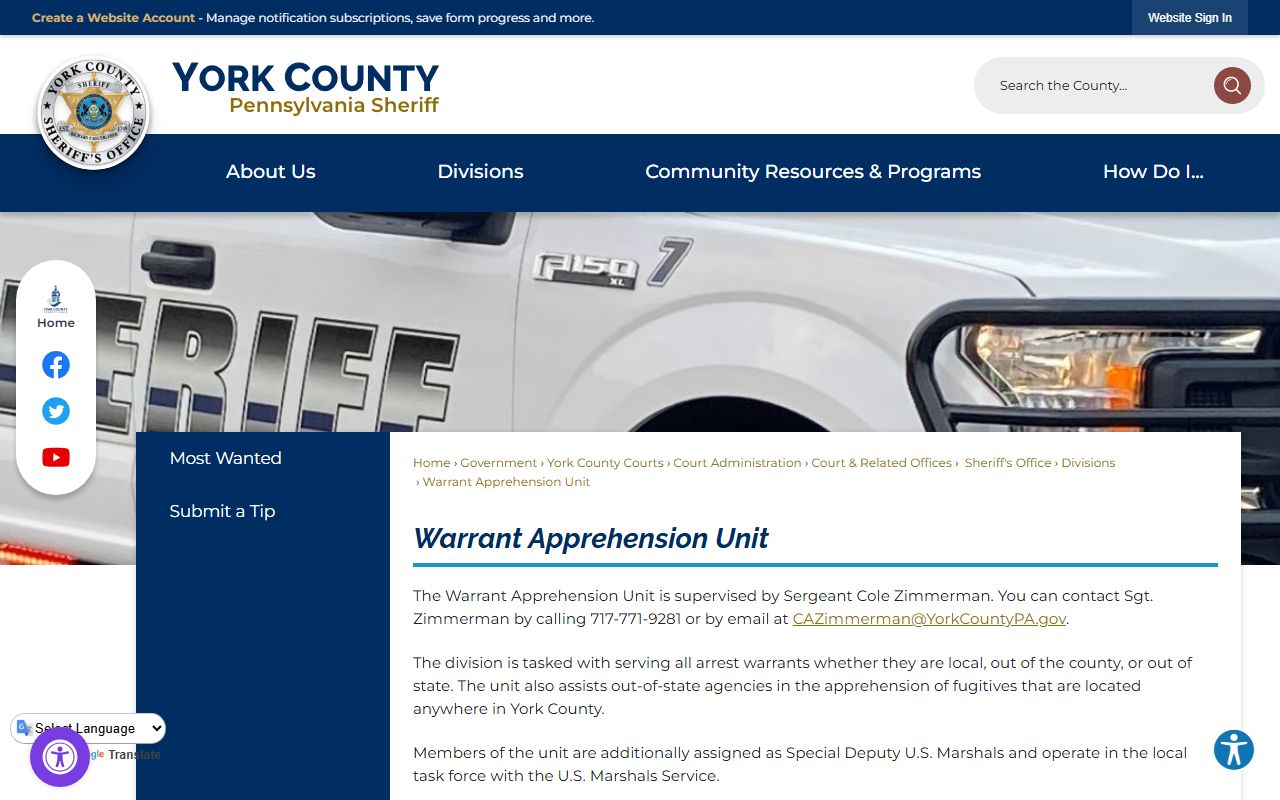
Judges issue warrants. The York County Sheriff's Office then serves them. The Sheriff's Warrant Apprehension Unit handles this work and is supervised by Sergeant Cole Zimmerman. The unit serves all arrest warrants, whether local, out of county, or out of state. It also helps agencies from other states track fugitives who are in York County. Members of the unit are sworn as Special Deputy U.S. Marshals, which lets them work across jurisdiction lines. You can reach the unit at 717-771-9281 or by email at CAZimmerman@YorkCountyPA.gov. So when a warrant is active, the goal is plain: find the person and bring the matter back to court.
The Sheriff's Office also runs the broader county. The Sheriff is Richard P. Keuerleber. The office secures the Judicial Center, serves civil process, and provides court security. The main contact line is 717-771-9601. For details on the office and its leadership, the Sheriff's Office contact page lists the address and phone numbers in one spot.
The county posts its contact details and office roles on the official site, such as the York County Sheriff's Office contact page, which sits on the county government domain.
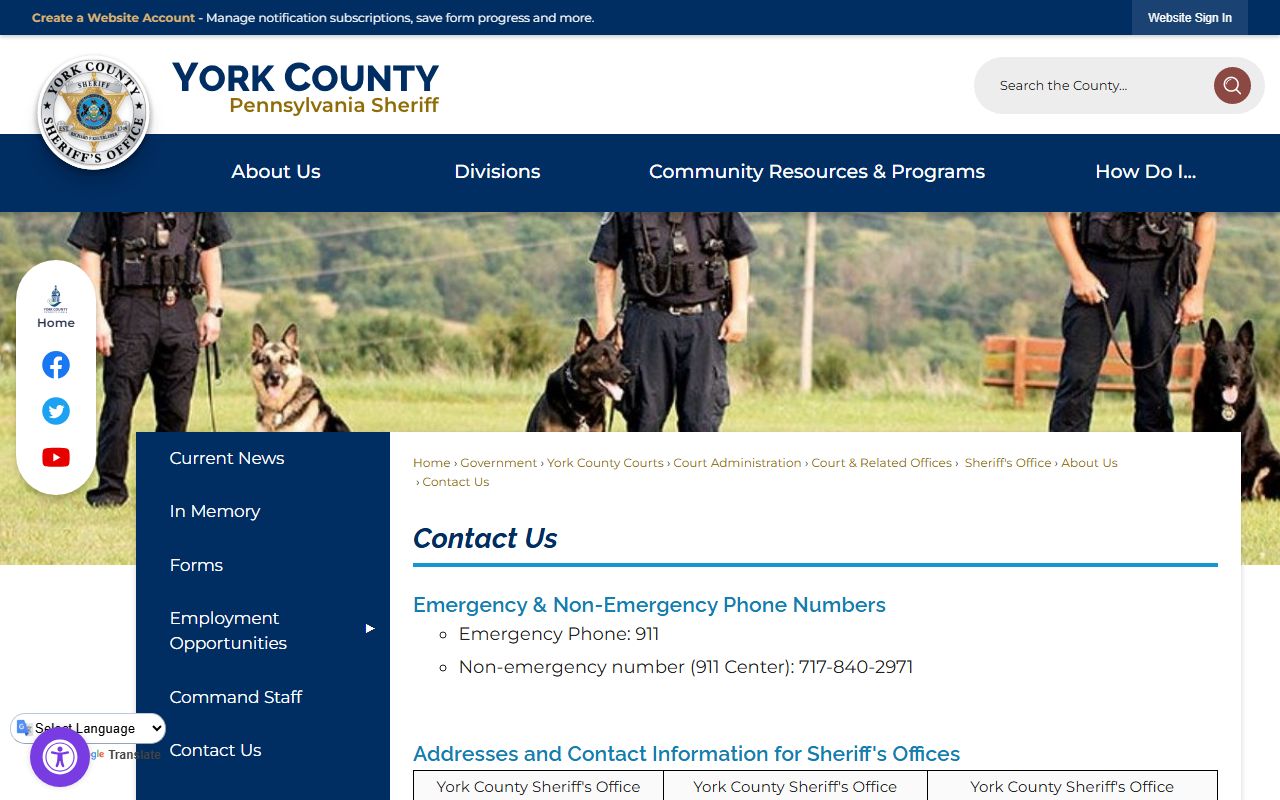
That page also points the public to the right phone numbers for non-warrant matters. The non-emergency 911 Center line is 717-840-2971. For any emergency, call 911. A warrant that shows on a public list still needs official confirmation before anyone acts on it.
Types of Warrants in York County
Not every warrant means the same thing. The portal mixes a few kinds. The two most common are bench warrants and arrest warrants, and the difference matters. A bench warrant is usually issued by a judge when a person fails to appear, fails to pay, or fails to comply with a court order. An arrest warrant authorizes police to arrest a person for a charge. One grows out of a court date that got missed. The other grows out of an alleged crime.
York County warrant entries are not always tied to a violent fugitive. The portal also lists warrants for businesses and LLCs over municipal, parking, and code matters. So a name on the list might be a company that ignored a citation. Read each entry on its own terms.
- Arrest warrant - lets police arrest a named person for a charge.
- Bench warrant - signed by a judge for failure to appear, pay, or comply.
- Bench Warrant - Domestics - a bench warrant tied to a domestic matter.
- Arrest Warrant - Summons Undelivered - issued when a summons could not be served.
The portal labels each record with a warrant type. Common labels include Bench Warrant - Fail to Respond, Bench Warrant - Fail to Pay, Bench Warrant - Fail to Appear, Arrest Warrant - Summons Undelivered, and Arrest Warrant - Other. Knowing the type gives you a quick sense of why the warrant exists.
How to Search York County Warrants
The public can search the county's warrant list online for free. The Sheriff runs a tool called the CountySuite Warrant Portal. It is a searchable public warrant list, and it is separate from a court docket search. You do not need an account, and you do not need to visit an office. A name is enough to start. The list covers warrants the Sheriff is working, and it updates as the office adds and clears records.
The Warrant Apprehension Unit stands behind that list. Its work, scope, and role are described on the county site. The York County Warrant Apprehension Unit page explains how the unit serves warrants across local, out-of-county, and out-of-state lines.
To run a search, follow a few simple steps. The portal keeps the process short.
- Open the CountySuite Warrant Portal in a web browser.
- Type the name in Last, First format, or use the date range and warrant filters.
- Click Filter to apply your criteria, then review the results that load.
If the search returns too many names, narrow it. Add a first name. Set a date range. You can also check the box to show only local warrants. To start over, use the Clear button.
York County Warrant Search Fields
The portal keeps the search form short. No field is forced, so you can search broadly or narrow it down. The name field uses Last, First format. The other fields let you filter by warrant scope and by date. Two buttons run the work: one applies the filter, the other clears it. The form layout is easy to see on the live tool.
The Sheriff hosts the search on the county attorney portal domain. The CountySuite Warrant Portal shows the full set of search options and the result list together.
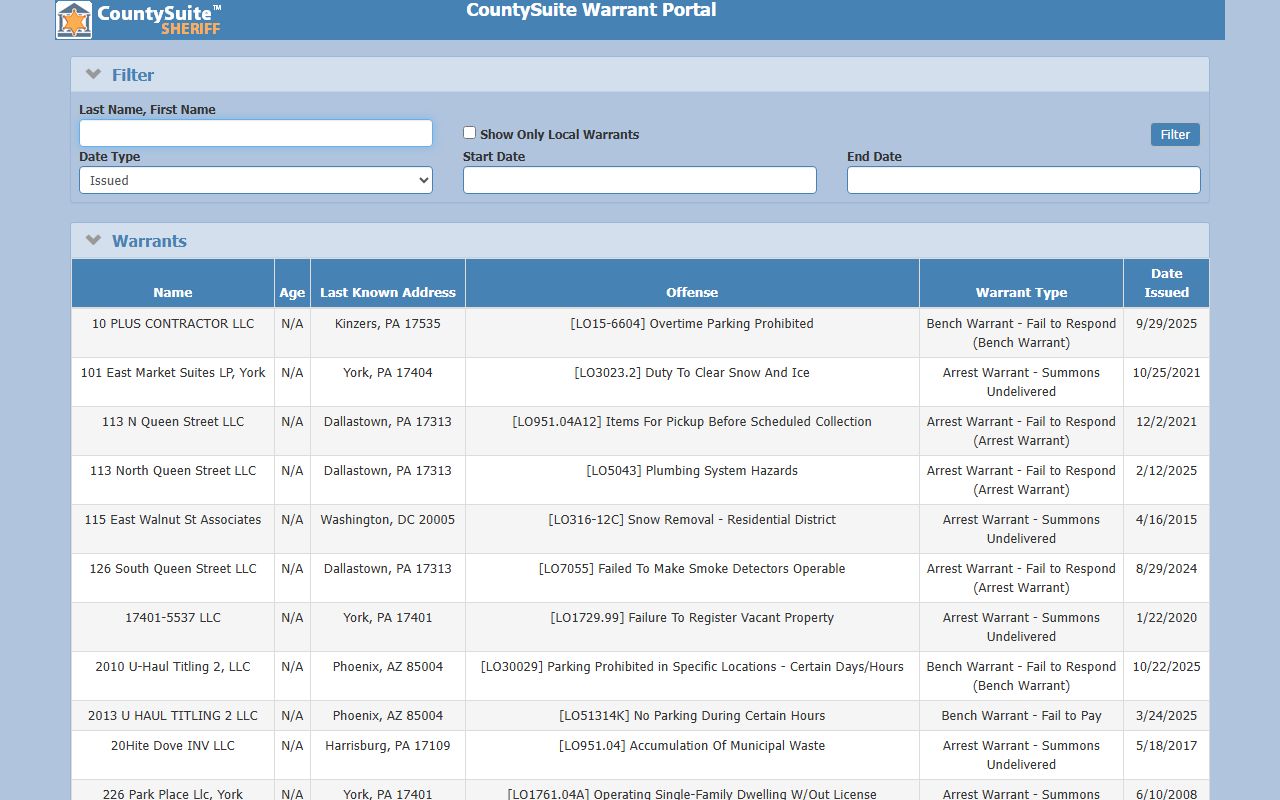
Each field has a clear job. The table lists what the portal offers and how each part works.
| Field | Type | Required | Notes |
|---|---|---|---|
| Last Name, First Name | Text | Optional | Name search in Last, First format |
| Show Only Local Warrants | Checkbox | Optional | Filters the list to local warrants |
| Date Type | Dropdown | Optional | Issued or Opened |
| Start Date | Date | Optional | Range start |
| End Date | Date | Optional | Range end |
| Filter | Button | No | Applies the criteria |
| Clear | Button | No | Resets the form |
What a York County Warrant Record Shows
A result row gives you a snapshot, not a full file. The list view keeps it brief. It shows the name, age, last known address, offense, warrant type, and the date the warrant was issued. Names can be people or businesses and other entities. Age may be a number or N/A.
The offense field carries a statute or code in brackets plus a short description. Examples range from local ordinance LO codes to Title 75 traffic offenses to Title 18 crimes. The address shows a city, state, and ZIP. The list view does not show mugshots, bond amounts, the issuing court, or docket numbers, so it is a starting point and not the whole story.
| Field | What It Shows |
|---|---|
| Name | The wanted person, or a business or entity |
| Age | A number, or N/A when not listed |
| Last Known Address | City, state, and ZIP |
| Offense | Statute or code in brackets plus a description (LO, Title 75, Title 18) |
| Warrant Type | Label such as Bench Warrant - Fail to Pay or Arrest Warrant - Other |
| Date Issued | Month, day, and year the warrant was issued |
Because the list leaves out bond and court details, treat it as a lead. To act on a warrant, get the full record through official channels.
What to Do If You Have an Outstanding Warrant
Start by confirming the warrant through official channels. Do not rely on a screenshot or a third-party site. If the warrant is yours, contact an attorney or the issuing court before you act. For a Magisterial District Court matter tied to failure to pay or failure to respond, find the case through the Pennsylvania UJS Case Search and then call the listed MDJ office.
Bench warrants for failure to pay often clear once costs, fines, and restitution are addressed through the court, though payment alone may not lift every warrant right away. After an arrest, York County bail can be posted at the Clerk of Courts on the first floor of the Judicial Center from 8:15 a.m. to 4:00 p.m., excluding holidays. After 4:00 p.m., a bail bondsman may be used for a person held in York County Prison. Bring your court paperwork and a valid ID, and verify the case location before you travel.
Important: Talk to a lawyer before you turn yourself in, and never try to confront or apprehend a wanted person yourself.
Crime Stoppers and Anonymous Tips
The public can report a wanted person to the York County Sheriff's Office in several ways. Tips can be left anonymously on the free York County, PA Sheriff App. You can also call the Sheriff's Office and ask for the Warrant Unit, or use the Submit a Tip option from the Warrant Apprehension Unit page. Tips stay confidential.
One caution matters. Giving false or misleading information to mislead law enforcement about a wanted person can be a misdemeanor of the second degree under Title 18 section 4904. So report what you know, but do not guess or make things up. The Sheriff handles the apprehension, not the public.
Restricted York County Warrant Records
Not every warrant shows up on the public list. Sealed warrants, juvenile matters, and active investigative warrants may be withheld. Federal warrants are handled through federal courts and the U.S. Marshals, not the county portal. The list view also leaves out mugshots, bond amounts, the issuing court, and docket numbers, so it is a starting point rather than a full file. Law enforcement personnel must verify any active warrant through the York County 911 Center, which is why a portal entry should always be confirmed through official channels.