
What Is a Court Docket in York County
A docket sheet is a public summary report of a case. It is not the case file. The file holds the actual motions, exhibits, and signed orders. The docket sheet just lists what happened and when. Pennsylvania's Unified Judicial System explains that a docket sheet shows the court name, the presiding judge, the documents filed, the hearings held, and other court activity. Think of it as a table of contents for the case. A public docket sheet pulls together the docket number, the court and county or judicial district, the case status, the filing date, and the people involved. Names appear, but home addresses and Social Security numbers do not. Attorneys are listed too. For a criminal or traffic case, the docket also shows each charge, with the offense statute, a short description, the grade, and the disposition. So you get a clear picture of the case at a glance.
The docket goes deeper than a single summary line. It carries a list of calendar events, such as a preliminary hearing, an arraignment, a pretrial conference, a trial, and sentencing. It also keeps a running set of docket entries: filings, orders, continuances, motions, pleas, verdicts, and payments. A financial section tracks costs, fines, restitution, and any balance still owed. Related cases may be linked as well. All of that sits on one report. There are two main docket types in York County. Court of Common Pleas dockets use a CP prefix. Magisterial District Court dockets use an MJ prefix. The prefix tells you which court handled the matter, which matters when you search.
How to Find York County Dockets Online
The main tool is the Pennsylvania UJS Case Search, run by the state courts. It is free. You can reach it at https://ujsportal.pacourts.us/CaseSearch. The portal covers both Court of Common Pleas cases and Magisterial District Court cases across the state, so York County dockets show up there. You start by picking a Search By type. The options are Participant Name, Docket Number, Citation Number, OTN, Complaint Number, and Date Filed. Then you narrow the search to the right place. Set the County to York, or set the Judicial District to York - 19. Either one keeps the results local. A name search pulls every matching case, so the docket number search is faster when you already have it.
- Open the UJS Case Search portal at ujsportal.pacourts.us/CaseSearch.
- Pick a Search By type, then set County to York or Judicial District to York - 19.
- Enter a participant name, a docket number, or a citation number.
- Open the matching case and review the docket entries, charges, and calendar events.
York County also runs several wellness and specialty courts, and those cases appear on the docket system just like other cases. The county keeps a public page that lists these programs at yorkcountypa.gov/318/Wellness-Courts.
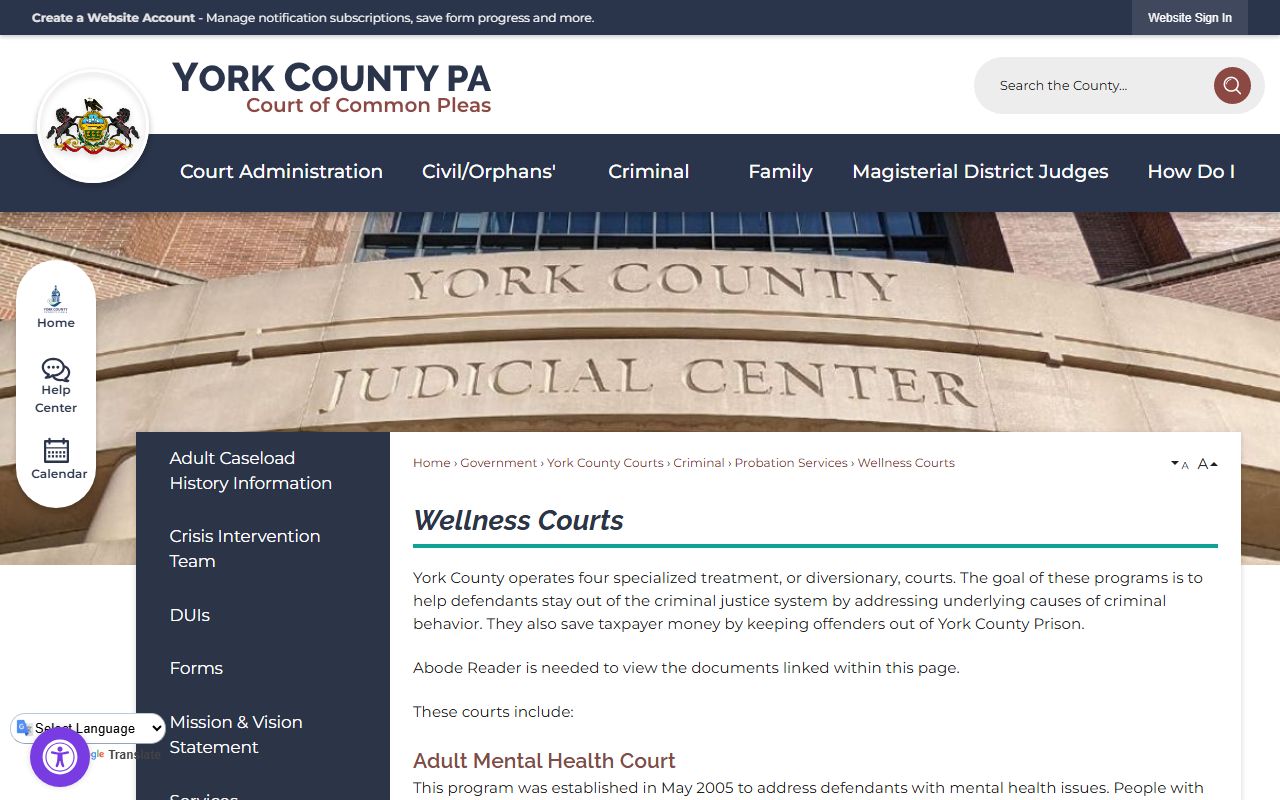
Cases handled by those programs still produce a standard docket sheet, so the same search steps apply. Pick the right court type and the entries will load.
Sample York County Docket Entry
Each line on a docket sheet records one action. Read top to bottom and you walk through the case in order. A line names the date, the type of filing or event, who filed it, and any document tied to it. The table below breaks down the common fields. One point trips people up often. The docket lists documents that were filed, but it does not let you download them. To get a copy of a filing, you must ask the county office that holds the case file.
| Field | What It Shows |
|---|---|
| Entry Date | The date the court logged the filing, order, or event. |
| Event Type | The kind of action, such as a motion, order, continuance, plea, or payment. |
| Party Filing | The person, attorney, or court that filed or issued the item. |
| Document Link | The document name only. The file is not downloadable from the docket and must be requested from the holding office. |
Calendar events show up the same way. A hearing line gives the date, the type of hearing, and the court or judge where it is set. That makes it easy to find the next court date for a case.
Courts That Publish Dockets in York County
Two court levels feed the docket system. The Court of Common Pleas is the trial court for the 19th Judicial District. It handles major civil cases, family matters, felonies, and appeals from the lower courts. Its dockets carry the CP prefix. Below it sit the Magisterial District Courts. York County has 19 Magisterial District Judges. They handle traffic cases, minor criminal matters, landlord-tenant disputes, and civil claims up to $12,000. They also set bail and run preliminary hearings. Their dockets carry the MJ prefix. Both levels post their dockets through the statewide UJS portal, so a single search can reach both.
- Court of Common Pleas (CP dockets): major civil, family, felony, and appeal cases for the 19th Judicial District.
- Magisterial District Courts (MJ dockets): traffic, summary, minor criminal, landlord-tenant, and small civil cases up to $12,000.
- Specialty and wellness courts: treatment-based programs whose cases still produce standard docket sheets.
Traffic and summary citations also generate dockets at the district court level. If you got a ticket, the citation number is the fastest way to pull the right docket. For more on those cases, see York County traffic court records.
Docket vs. Full Case Record
The docket and the case file are not the same thing. The docket is a list. It tells you a motion was filed and an order was signed, but it does not hand you those pages. The full case record holds the actual documents: the motions, the exhibits, the signed orders, and the rest. To get copies, you go to the office that keeps the file. The Prothonotary holds civil and family files. The Clerk of Courts holds criminal files. The Register of Wills holds estate and marriage files. Each office has its own copy steps. The split matters because a docket alone may not answer every question.
| Docket | Full Case Record | |
|---|---|---|
| Format | List of entries | Full documents |
| Access | Often online and free | May require fee or visit |
| Use | Track case progress | Legal review, evidence |
If you want help reading a docket or pulling a file, York County runs a Court Self-Help and Law Resource Center on the 4th floor of the Judicial Center, with details posted at yorkcountypa.gov/436/Court-Self-Help-Law-Resource-Center.
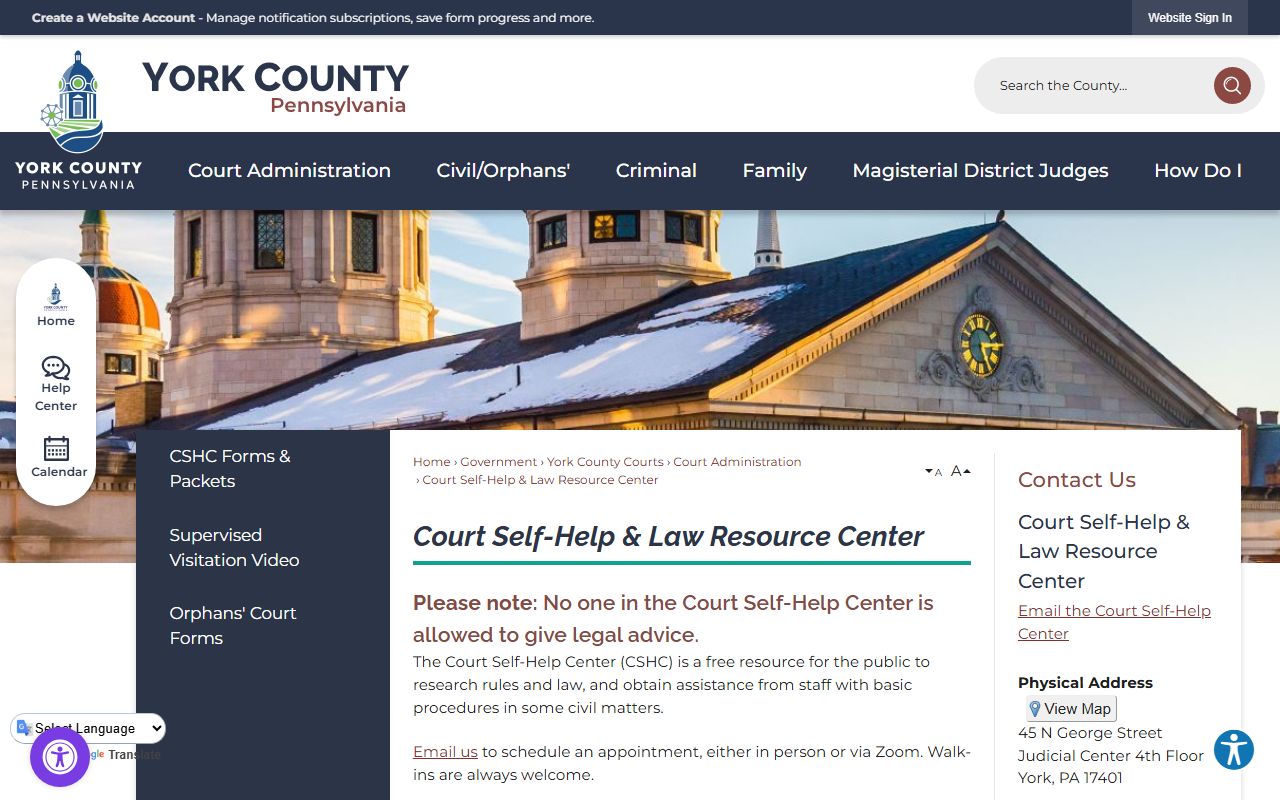
The center offers free legal research tools, but staff there cannot give legal advice. They can point you to forms and show you where files are kept.
How to Read a York County Docket
Start at the top of the docket sheet. The header gives the docket number, the court, and the county or judicial district. Right after that comes the case status, which tells you if the case is open, closed, or active. The participant section lists the parties and their attorneys. For a criminal or traffic case, the charge block lists each offense by statute, with a short description, the grade, and the disposition. The disposition is the result for that charge, such as guilty, not guilty, withdrawn, or dismissed. Read those lines first to learn how the case turned out.
The calendar events and docket entries fill out the rest. Calendar events list the hearings: the preliminary hearing, the arraignment, the pretrial conference, the trial, and sentencing, each with a date. Docket entries log every filing and order in date order, including motions, continuances, pleas, verdicts, and payments. The financial section near the end tracks costs, fines, restitution, and the balance still owed. If you read these blocks in order, you get the full shape of the case. For broader background on case files and how the offices fit together, see the overview of York County court records and the Court of Common Pleas.
Self-represented filers can find more guidance through the county. York County keeps a Law Library and a set of self-representation resources to help people read filings and understand case steps. The Law Library page is at yorkcountypa.gov/299/Law-Library.
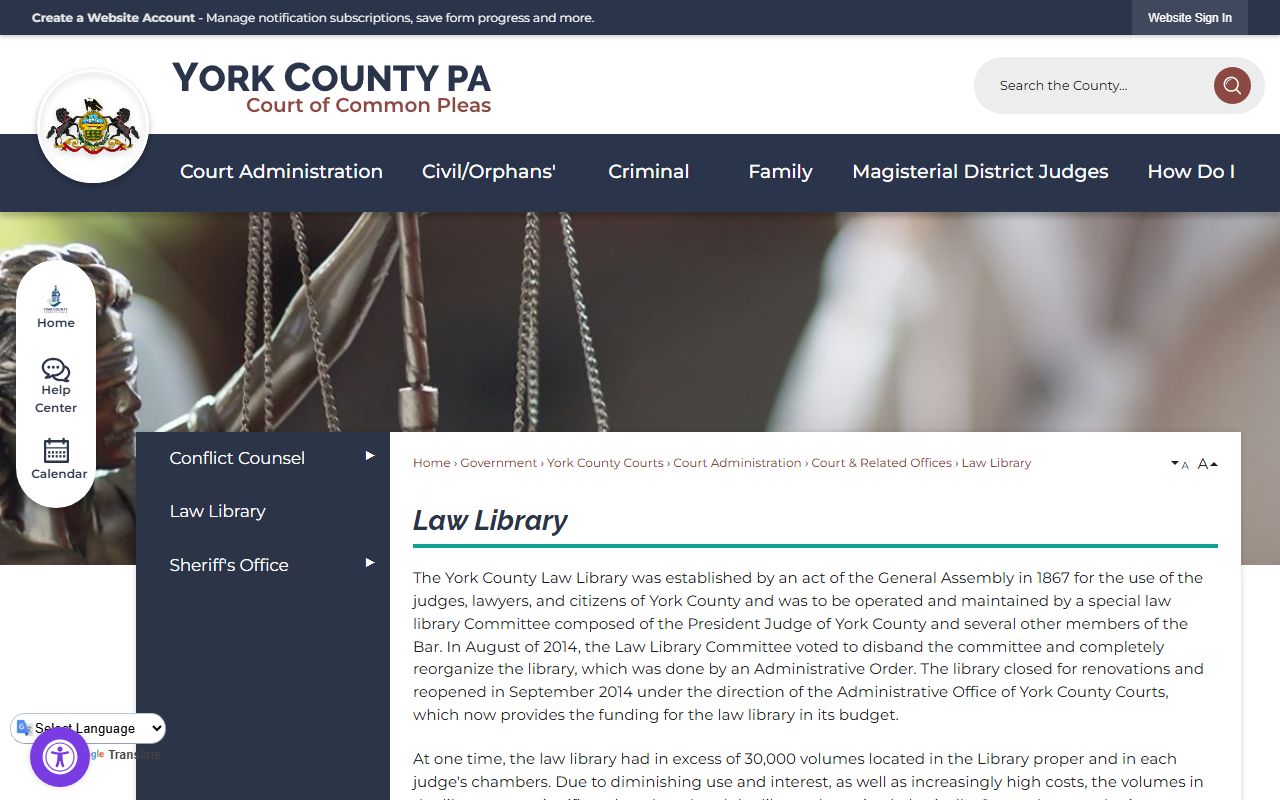
The Law Library offers free access to research tools such as Westlaw and Lexis. These help you look up the statutes that appear in a charge block on a docket.
The county also posts step-by-step self-representation help for people without a lawyer. That guidance lives on a dedicated page at yorkcountypa.gov/341/Self-Representation.
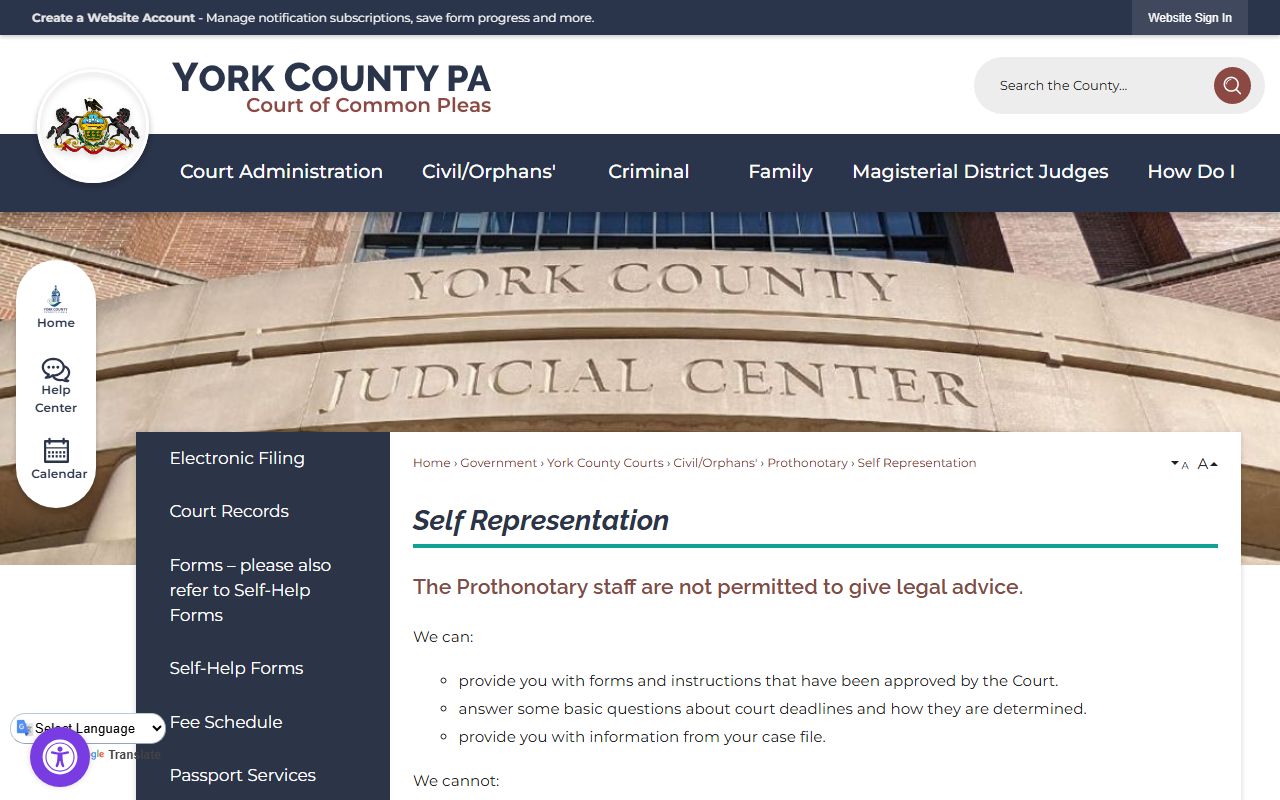
These resources explain common terms and forms, which makes a docket sheet easier to follow. Pair them with the search portal and you can track most cases on your own.
Restricted and Confidential Dockets
Not every docket is open to the public. Some cases carry limited access by rule. Juvenile dependency, juvenile delinquency, and mental health dockets have limited public access under 204 Pa. Code § 213.81, which you can read at the Pennsylvania Code site. Adoption cases are confidential. So even with the correct name or docket number, some docket sheets simply will not appear in the search. If a search comes up empty, the case may be sealed or restricted rather than missing. For criminal matters that are public, the criminal records overview and the Prothonotary page explain where files are held and how to request copies.
Outside the official system, free third-party tools exist for legal research. CourtListener is one. It collects federal and state opinions and dockets and is open to the public. You can reach it at courtlistener.com.
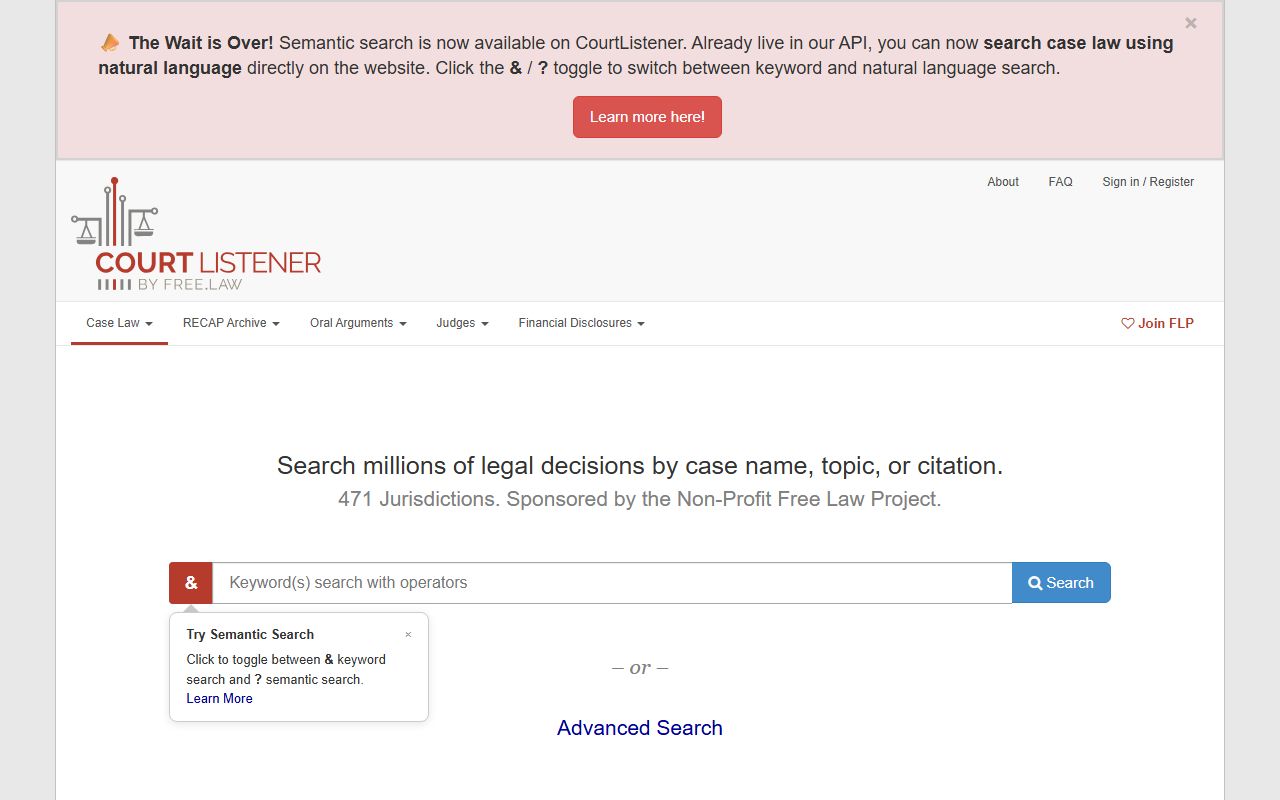
CourtListener is not the official court system, so for current York County case status the UJS portal stays the best source. Use the third-party tool for opinions and research, and use the state portal to track a live case.